
Master MS Office Course in Malviya Nagar
With 100% Live Interactive Sessions
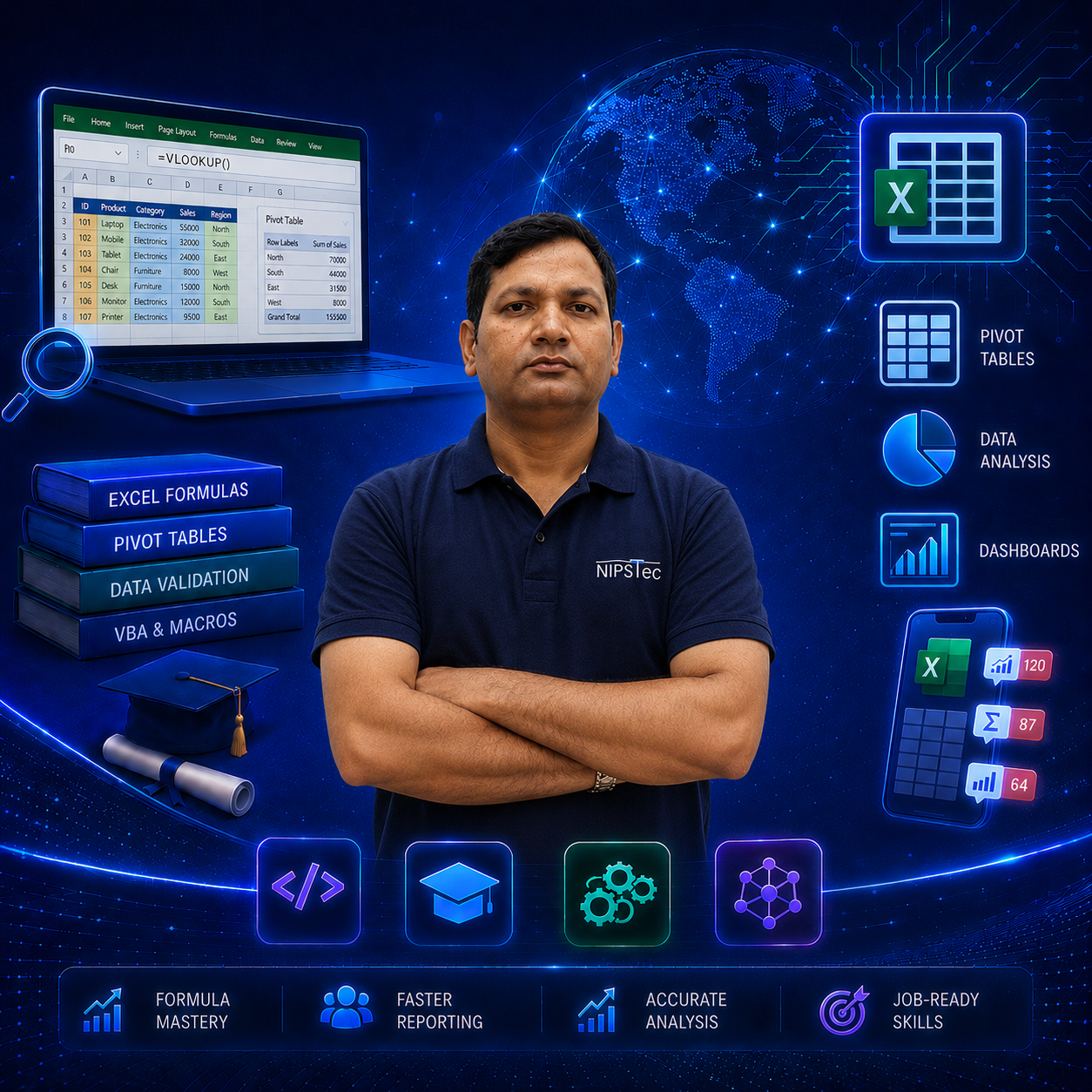
- Master Word, Excel, PowerPoint, Outlook & more with ease.
- Learn essential tools for office productivity and efficiency.
- Gain hands-on skills with real-world MS Office applications.
- Become job-ready with practical MS Office training and tips.
Why Choose NIPSTec
What sets this program apart — India's most trusted training institute since 2001.
25 Years Experience
Decades of excellence in training students and corporates across India.
PAN India Reach
Trusted by corporates, PSUs, Government & the private sector nationwide.
ISO 9001:2015
Internationally certified quality standards in education.
Job-Oriented Curriculum
Industry-relevant, practical MS Office training built for real careers.
1 Lakh+ Learners
Trained over a lakh students and professionals across India.
4.9 Rated
Top-rated by thousands of satisfied learners on Google.
Expert Trainers
Learn from qualified and experienced MS Office trainers.
#1 IT Institute
Ranked among India's best for computer education.
Best MS Office Course in Malviya Nagar
South Delhi's Trusted Computer Fundamentals & MS Office Training Institute
Unlock your potential with our premier MS Office course in Malviya Nagar, Delhi. NIPSTec offers a comprehensive 40+ hour program covering Computer Fundamentals, Microsoft Windows, MS Word, MS Excel, MS PowerPoint, and Internet & E-Mail — everything you need to become confident and job-ready on a computer.
Whether you're searching for MS Office classes in Malviya Nagar or training near Malviya Nagar Metro station, NIPSTec is a trusted choice for hands-on, job-oriented learning. Our offline institute is located in the main market near Laxmi Narayan Mandir, in front of Anytime Fitness Gym, making it highly convenient from Malviya Nagar, Hauz Khas, Saket and surrounding areas.
The curriculum spans computer basics, Windows operations, document creation and formatting in MS Word, spreadsheets and formulas in MS Excel, presentations and slide design in MS PowerPoint, plus internet browsing and email communication. Over 40+ hours, you'll graduate job-ready for office assistant, data entry, admin and front-office roles.
Join NIPSTec's best MS Office institute in Malviya Nagar and build the foundation for a successful career, guided by trainers with 25 years of industry experience. 40+ hours of hands-on offline training.
Training Methodology
Structured Learning Path
A structured, industry-oriented curriculum crafted by our experts — from computer fundamentals to MS Word, MS Excel, MS PowerPoint and Internet & E-Mail.
MS Office Curriculum
01Computer Fundamentals7 Topics
Introduction to Computer & Features of Computers, Input Devices and Output Devices, CPU Memory, Hardware, Software, Operating System etc., Introduction to Windows & its Components, System Clock and Calendar, Creating, Rename and Restore Folder or File on Desktop.
02Microsoft Windows2 Topics
Windows Explorer, Cut, Copy and Paste Files and Folders, Setting Mouse & Keyboard Properties by Control Panel.
03Microsoft Word9 Topics
Introduction to MS-Word & Starting MS-Word, Document Window and its Components, Typing on a Page, Page Setup, Print Preview, Print, Close, Exit, Undo, Redo, Cut, Copy & Paste, Select All, Find & Replace, Formatting of Text: Font, Font Size, Color, Bold, Italic & Underline, Different Document Views, Toolbars, Ruler, Insert Page Break, Header & Footer, Page Number, Date & Time, Auto Text, Symbol, Picture from a File, Clip Art, Word Art, Bookmark & Object, Background, Change Case, Themes, Spelling and Grammar Check, Language & Word Count.
04Microsoft Excel6 Topics
Introduction to MS-Excel & its Components, Creating Series & Enter Records, Insert Rows, Columns, Cell, Work Sheet: Rename Worksheet, Formulas, Format Cell etc., Chart, Insert Drawing Objects, Cell Formatting, Row and Columns Formatting: Hide/Unhide Rows/Columns/Sheet.
05Microsoft PowerPoint8 Topics
Introduction to MS-PowerPoint, Starting PowerPoint & its Components, Creating Slides & Insert New Slide, Insert Different Objects into Slides, Duplicate Object & Duplicate Slide, Run Slide Show & Slide Sorter, Background Custom Animation, Slide Transition & Custom Show.
06Internet & E-Mail5 Topics
Introduction to the Internet, Services on the Internet, Surfing on the Net, Creating an E-mail Account, Sending and Receiving E-mails & Attachments.
Tools You'll Master
Not sure which course to choose?
Need help choosing the perfect course? Our training experts are here to guide you. Get in touch today.
Get a free consultationJoin NIPSTec community of 100,000+ students
I joined after college to build a career in tech. The instructors are highly knowledgeable and make the learning process easy and enjoyable. I highly recommend their courses to anyone looking to enhance their computer skills!
It's not just a course, it's a complete learning journey. I really liked the hands-on experience at NIPSTec.
It was a nice time with NIPSTec learning MS Office. Thank you NIPSTec.

Frequently Asked Questions
01Where is NIPSTec's MS Office institute located in Malviya Nagar?
NIPSTec's MS Office coaching center is located in the main market of Malviya Nagar, near Laxmi Narayan Mandir, and in front of Anytime Fitness Gym. It's easily accessible from Malviya Nagar Metro, Hauz Khas Metro, and Panchsheel Park Metro stations, making it convenient for students across South Delhi. Having trained over 1 lakh students, NIPSTec has become a trusted destination for excellence, attracting learners from across South Delhi including Adchini, Siri Fort, Lado Sarai, Pushp Vihar and Sheikh Sarai.
02Is the MS Office Institute easily accessible for residents of South Delhi?
Absolutely. Our center in Malviya Nagar is a prime education hub for the entire South Delhi region, with students joining from neighboring localities like Hauz Rani, Geetanjali Enclave, Savitri Nagar, Navjeevan Vihar, Shivalik Colony, Begumpur, Bhavishya Nidhi Enclave and Sarvapriya Vihar. Being in the main market makes it a very convenient walk or short rickshaw ride for learners from Khirki Extension, Sarvodaya Enclave and Panchsheel Park.
03I am commuting via Metro. Which areas are best connected to your center?
We are well-connected by both the Yellow and Magenta lines, making us a top choice for students traveling from Saket, Hauz Khas, R K Puram, Chirag Delhi, Green Park, Munirka, Qutub Minar, Greater Kailash, Nehru Enclave, Kalkaji and Chhatarpur. If you're coming from Panchsheel Park or Munirka, metro connectivity gets you to our classroom in minutes, avoiding peak traffic.
04What is the duration of the MS Office course in Malviya Nagar?
The course runs for 40+ hours of offline training, offering a detailed and practical approach to computer fundamentals, MS Word, MS Excel, MS PowerPoint and Internet & E-Mail.
05How to learn MS Office?
Start by enrolling in a structured course covering computer fundamentals, Windows, MS Word, MS Excel, MS PowerPoint and Internet & E-Mail. NIPSTec's course provides hands-on practice with real documents, spreadsheets, presentations and email tasks to build practical, job-ready skills.
06Is learning MS Office easy?
Yes, MS Office is designed to be beginner-friendly and does not require any prior computer knowledge. With expert guidance at NIPSTec, learners quickly become confident with Word, Excel, PowerPoint and everyday computer tasks through a structured, practical learning path.
07Who can join this MS Office course in Malviya Nagar?
Anyone looking to build strong computer skills can join — no prior knowledge is needed. Students, job seekers and working professionals all benefit from this program.
08Why is NIPSTec the best institute for MS Office in Malviya Nagar?
With 25 years of ISO 9001:2015 certified excellence, NIPSTec offers training from certified trainers who also coach corporate employees, plus hands-on experience with Word, Excel, PowerPoint, Windows and Internet & E-Mail.
09Will I receive a certificate after completing the course?
Yes, after passing the NIPSTec-organized exam, you'll receive a globally recognized MS Office Certification, enhancing your job opportunities.
10Why should I enroll at NIPSTec in Malviya Nagar?
Our affordable fee, industry-expert trainers, and career-focused curriculum make NIPSTec a trusted name in IT education.
11How can I pay for the course fee?
We accept the course fee by UPI, NEFT, Cheque, Cash and Credit Card.
12Are the trainers at NIPSTec highly experienced and knowledgeable?
NIPSTec's team of trainers, each with over 10 years of teaching experience, is a key factor behind its reputation as one of the country's premier training providers. Their real-world experience ensures high-quality instruction and practical insights that prepare learners for success in office and administrative roles.
13Is there a possibility of paying the fee in installments for this course?
NIPSTec offers flexible payment options, including the possibility of paying fees in installments for certain courses. Interested individuals can reach out to our expert counselors for more details on fee structures and installment options.