
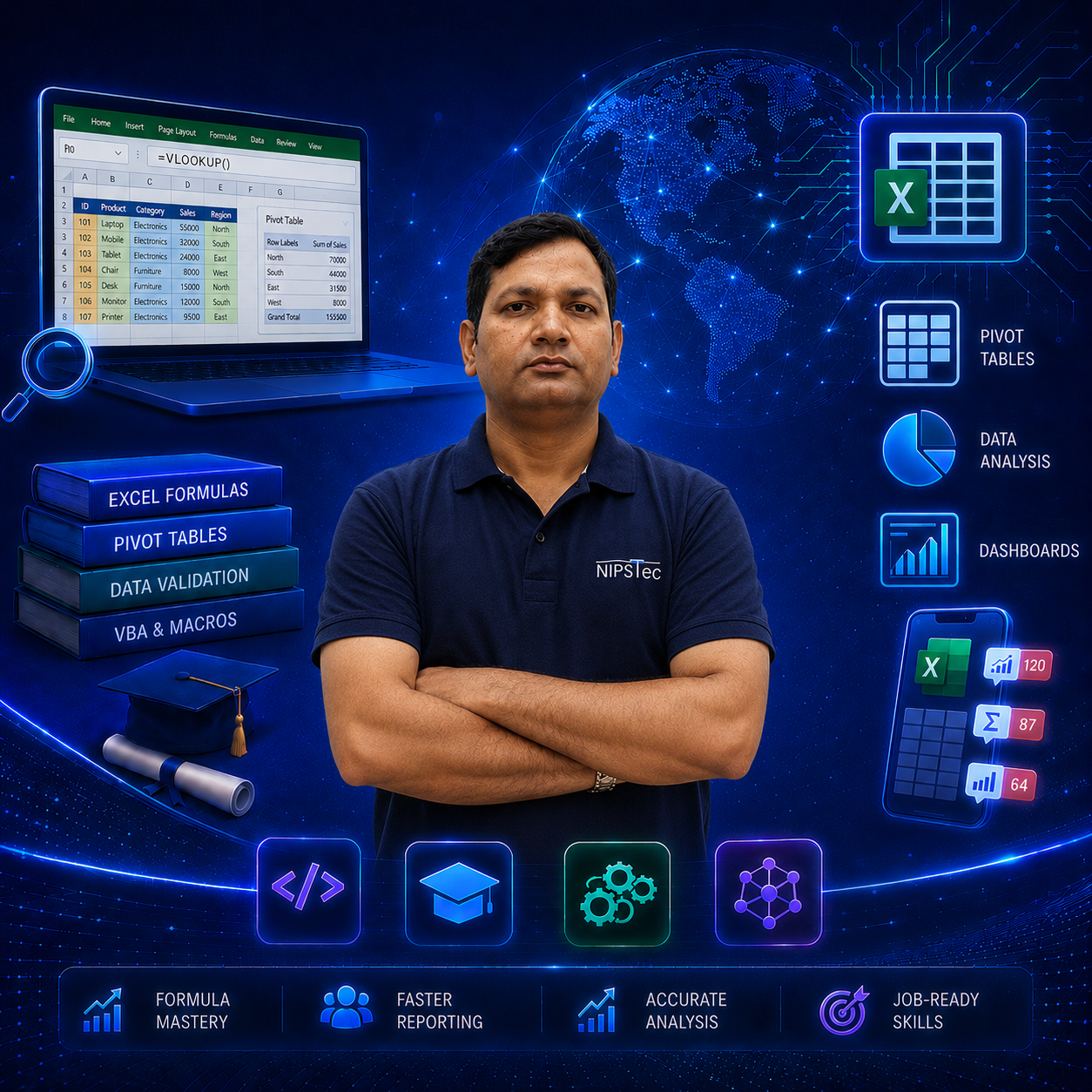
Advanced Excel with AI Coursein Malviya Nagar
Master Advanced Excel with AI skills and take your career to the next level!
- Master Advanced Excel formulas, Pivot Tables, Dashboards and AI-powered automation.
- Learn VLOOKUP, XLOOKUP, INDEX-MATCH, Data Validation and 50+ practical functions.
- Hands-on training in Conditional Formatting, Pivot Tables, Charts and Excel Security.
- Get trained by industry-expert trainers with an ISO 9001:2015 certified curriculum.
Why Choose NIPSTec
What sets this program apart — India's most trusted training institute since 2001.
25 Years Experience
Decades of excellence in training students and corporates across India.
PAN India Reach
Trusted by corporates, PSUs, Government & the private sector nationwide.
ISO 9001:2015
Internationally certified quality standards in education.
Job-Oriented Curriculum
Industry-relevant, practical Excel training built for real careers.
1 Lakh+ Learners
Trained over a lakh students and professionals across India.
4.9 Rated
Top-rated by thousands of satisfied learners on Google.
Expert Trainers
Learn from qualified and experienced Excel & AI trainers.
#1 IT Institute
Ranked among India's best for computer education.
Best Advanced Excel with AI Course in Malviya Nagar
South Delhi's Trusted Excel & AI Training Institute
Looking for the best Advanced Excel with AI course in Malviya Nagar? NIPSTec offers comprehensive, affordable Excel training designed for learners at every level — from complete beginners to working professionals. Our Excel coaching in Malviya Nagar combines hands-on learning with experienced trainers who bring real-world expertise into the classroom, along with the latest AI tools like ChatGPT and Microsoft Copilot.
Whether you're searching for MS Excel classes in Malviya Nagar or Advanced Excel training near Malviya Nagar Metro station, NIPSTec is your go-to destination. Our offline classes are strategically located in the main market near Laxmi Narayan Mandir, in front of Anytime Fitness Gym, making the center easily accessible from Malviya Nagar, Hauz Khas, Saket and surrounding areas.
The course covers fundamentals, advanced formulas, VLOOKUP/XLOOKUP, Pivot Tables, data visualization, dashboard creation, Excel security and AI-powered automation with tools like ChatGPT and Microsoft Copilot. With just 1 hour daily across 20+ hours, you can complete this Advanced Excel with AI course at your own pace and become job-ready for finance, data analytics, business intelligence and operations roles.
Join NIPSTec's best Advanced Excel with AI institute in Malviya Nagar and transform your career with expert trainers who bring 25+ years of industry experience. Just 1 hour daily for 20+ hours of professional Excel and AI coaching.
Training Methodology
Structured Learning Path
A structured, industry-oriented curriculum crafted by our experts — from Excel fundamentals to advanced formulas, Pivot Tables, dashboards and AI tools.
Advanced Excel with AI Course Curriculum
01Excel Fundamentals & Formatting10 Topics
Introduction to Excel Worksheet, Rows, Columns & Cells, Insert/Delete Worksheet, Row & Column, Rename & Delete Multiple Worksheets, Customizing the Ribbon, Currency, Date, Custom & Special Formats, Header & Footer Customization, Number, Font, Alignment & Border Formatting, Basic & Advanced Conditional Formatting, Printer Properties & Page Setup, Inserting Logo While Printing, Bar/Column/Pie/Line Charts.
02Date, Time & Lookup Functions7 Topics
Today, Now, Day, Month, Year, Date, Datedif, Edate, EOMonth, Time, Text, Hour, Minute & Second, Weekday, Workday, Workday.INTL, NetworkDays & NetworkDays.INTL, VLOOKUP/HLOOKUP/XLOOKUP, INDEX, OFFSET & MATCH Functions, ROW, ROWS, COLUMN, COLUMNS, SORT & UNIQUE.
03Data Management & Analysis9 Topics
Advanced Filters, Sorting & Filtering, Filtering on Text, Numbers & Colors, Number, Date & Time Validation, Text & List Validation, Dynamic Dropdown List Creation, Scenario Analysis & Data Tables, Creating, Editing & Deleting of Names, Name Ranges & Their Application on Cells.
04Statistical, Text & Math Functions11 Topics
AVERAGE, SUM, COUNT, COUNTA, MAX, MIN & Variants, COUNTBLANK, LARGE, SMALL, MEDIAN, MODE, STDEV & VAR, DSUM, DMAX, DMIN, DAVERAGE, DCOUNTA, PMT, SWITCH, VALUETOTEXT, YEARFRAC & SEQUENCE, CONCATENATE, UPPER, LOWER & PROPER, LEN, TRIM, LEFT, RIGHT, MID, FIND & REPLACE, SEARCH, SUBSTITUTE, EXACT & REPT, SUMIF(S), COUNTIF(S) & AVERAGEIF(S), IF, IFS, ABS, SIGN, POWER, IFERROR & RANK, ROUND, ROUNDUP, ROUNDDOWN & MROUND.
05Import/Export, Pivot Tables & Security13 Topics
Edit Custom List, Consolidate Data, Converting Excel Files to PDF/CSV/Notepad, Removing Duplicates & Flash Fill, Comments, Freeze Panes & Shortcut Keys, Creating Simple Pivot Tables, Basic & Advanced Value Field Setting, Classic Pivot Table & Choosing Fields, Filtering Pivot Tables & Charts, Using Slicers, Worksheet Protection, Workbook Protection, Column Protection.
06AI Tools to Master6 Topics
Introduction to AI in Excel, ChatGPT for Excel Formulas & Automation, Microsoft Copilot in Excel, AI-Powered Data Analysis & Insights, Excel Formula Bot & AI Add-ins, Automating Reports & Dashboards with AI Tools.
Tools You'll Master
Not sure which course to choose?
Need help choosing the perfect course? Our training experts are here to guide you. Get in touch today.
Get a free consultationJoin NIPSTec community of 100,000+ students
Excellent institute for Advanced Excel and Data Analytics training. I had a very positive experience with the faculty, very helpful and supportive.
I recently completed the CCA course and Advanced Excel course at NIPSTec in Malviya Nagar, Delhi. The instructors are highly knowledgeable and make the learning process easy and enjoyable. Highly recommend their courses!
I completed the Advanced Excel course at NIPSTec, and it exceeded my expectations. The course content is very relevant, and the trainers are experts in their field. Highly recommended for improving your Excel skills!

Frequently Asked Questions
01Where is NIPSTec's Advanced Excel Course available in Malviya Nagar?
NIPSTec's Advanced Excel with AI Course is available at our Malviya Nagar center in South Delhi — located in the main market near Laxmi Narayan Mandir, in front of Anytime Fitness Gym. Address: D-82, 1st Floor, Malviya Nagar, New Delhi – 110017. The center is easily accessible from Malviya Nagar, Hauz Khas, and Panchsheel Park Metro stations and is preferred by learners across South Delhi for its industry-focused curriculum and expert mentorship.
02Is the institute easily accessible for residents of South Delhi?
Absolutely. Our center in Malviya Nagar is centrally located and convenient for learners from neighboring localities such as Hauz Rani, Geetanjali Enclave, Sarvodaya Enclave, Panchsheel Park, and Bhavishya Nidhi Enclave. It's a short walk or rickshaw ride for nearby residents, making it easy to attend classroom sessions.
03I am commuting via Metro. Which areas are best connected to your center?
The center is well-connected by both the Yellow and Magenta lines. Students traveling from Saket, Hauz Khas, R K Puram, Green Park, Munirka, Greater Kailash, Kalkaji, and Chhatarpur can reach NIPSTec quickly and comfortably.
04What is the duration of the Advanced Excel Course in Malviya Nagar?
The course runs for 20+ hours of offline training, providing a comprehensive, practical, and hands-on approach to formulas, Pivot Tables, dashboards, data validation, Excel security and AI tools.
05How to learn Advanced Excel effectively?
Enroll in a structured course that covers formulas, Lookup functions, Pivot Tables, data validation and AI tools. NIPSTec's course provides hands-on practice with real datasets, combined with practical exercises and real-world examples to build your skills.
06Is learning Advanced Excel difficult?
The course is beginner-friendly and designed to explain concepts visually and practically. With structured guidance from experienced mentors, learners can understand formulas, Pivot Tables and AI tools effectively — no prior technical background required.
07Who can join this Advanced Excel Course?
Students, graduates, and working professionals who want to build a career in data analysis, finance, operations or corporate reporting can join. No prior advanced Excel experience is required.
08Why is NIPSTec in Malviya Nagar the best institute for Advanced Excel?
NIPSTec offers a hands-on, industry-oriented curriculum, expert mentors, and job-oriented programs. Our structured approach, real datasets and AI tool integration make learning Advanced Excel easy and effective.
09Will I receive a certificate after completing the course?
Yes, you will receive a certificate of completion from NIPSTec, an ISO 9001:2015 certified institute, which enhances your credibility and career opportunities in data-related roles.
10Why should I enroll at NIPSTec in Malviya Nagar?
Our expert mentors, practical curriculum, hands-on Excel & AI tools, and career-oriented approach make NIPSTec a trusted choice for learners looking to gain advanced spreadsheet skills in South Delhi.
11How can I pay the course fee?
You can pay via UPI, NEFT, Cheque, Cash, or Credit Card. Flexible payment options may be available — contact our counselors for details.
12Are the trainers experienced in Advanced Excel?
Yes. NIPSTec's trainers have extensive industry and teaching experience in Excel, data analysis and AI tools. They provide practical guidance, mentorship, and real-world insights to help learners succeed.
13Can I pay the course fee in installments?
Yes, NIPSTec offers flexible installment options for certain courses. Please contact our counselors to know more about installment plans for the Advanced Excel Course.